Engine Builder
Build real engines, piece by piece.
Drag the block, crankshaft, pistons and heads into place. When the last part snaps in, press START and rev it up. Made for kids who love cars and trucks, and for anyone curious about what's under the hood.
Coming soon on the App StoreSee the engines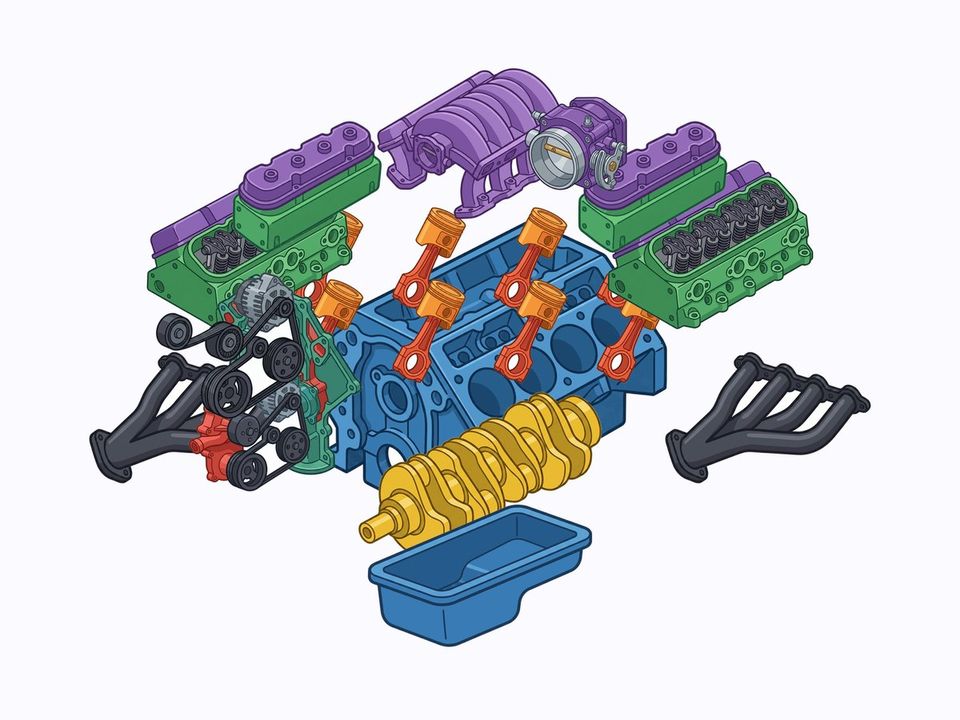
Drag and snap
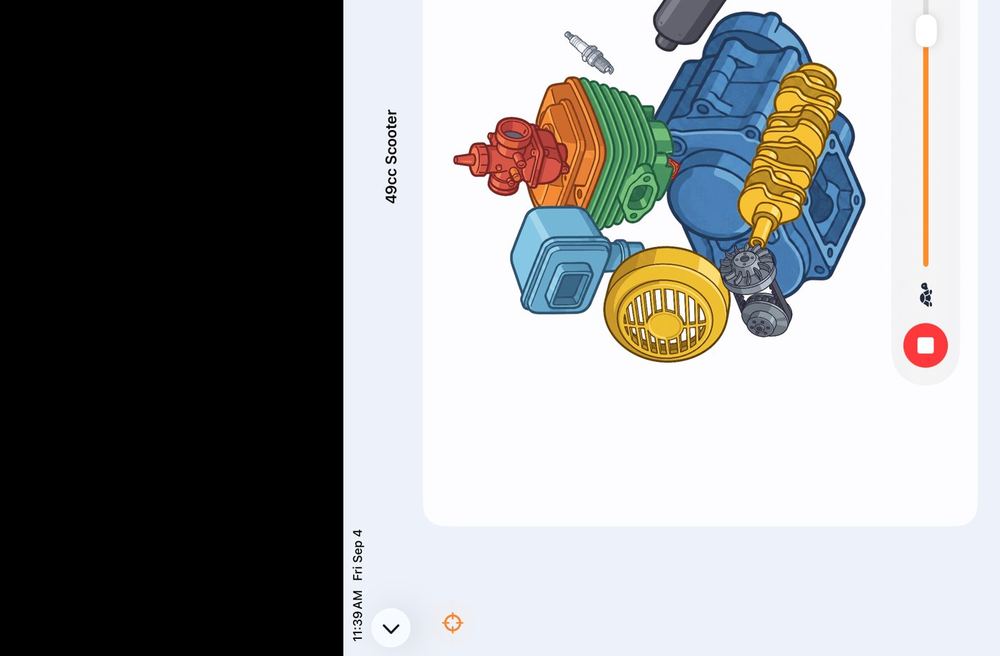
Every part has a home. Land it close and it clicks into place with a satisfying snap and a little bounce.
Start it up
Finish the build and the START button appears. Pistons pump, the crank spins, and a rev slider makes it roar.
Learn the real names
Crankshaft, camshaft, turbocharger, harmonic balancer. Kids learn the words mechanics actually use.
Nothing to worry about
No ads, no links out, no accounts, no data collection. A parental gate sits in front of the one purchase.
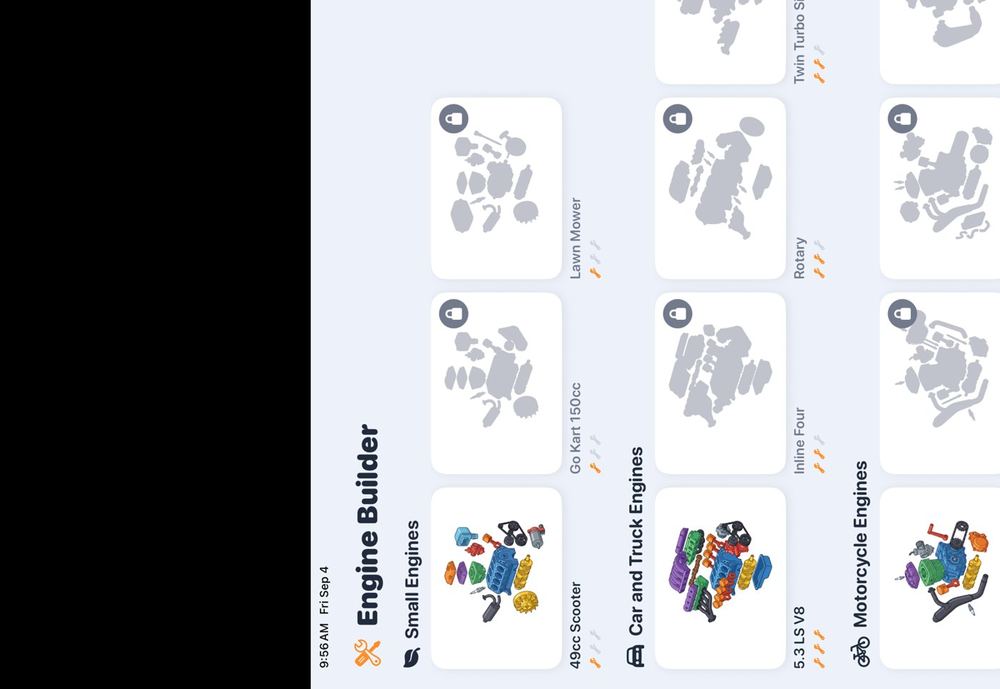
26 engines to build
Four are free. One purchase unlocks all of them forever, including every engine added in future updates.
- 49cc scooter, go kart, lawn mower
- 5.3 LS V8, small block, big block, muscle car V8, 5.0 V8
- Inline four, flat six, twin turbo six, rotary, V12 supercar
- Dirt bike single, sport bike four, American V twin, parallel twin
- 6.7 inline six diesel, 6.6 and 7.3 V8 diesels
- Tractor diesel, semi truck six
For grown-ups
Engine Builder is in the App Store Kids Category. It has no advertising, no third-party analytics, no web views and no external links. It never asks for a name, email or account. The only purchase is a single one-time unlock, and a math question that grown-ups can solve stands in front of it. Progress saves on the device so a build can pick up where it left off. Read the full privacy policy.
Support
Questions, ideas, or an engine you'd like to see added? Email info@suttlesolution.com and a real person will reply. Please include your device model and iOS version if something isn't working.
To restore a purchase on a new device, open any locked engine, pass the grown-up gate, and tap Restore Purchases.